
Purchase order (PO) is a formal document issued by a buyer to a seller, outlining the details of a purchase.
How to access a purchase order.
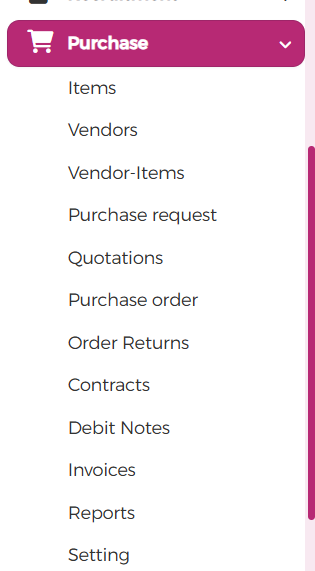
- Click on purchase at the left part of your computer.
- Features such as items and task are found underneath it.

Note: when you click on items, the item under purchase order is different from the generally item feature.
3. When you click on item two fills such as Add item and Import item are seen.
The import item seems to be preferable. For instance, if you have a long list of items in your excel, you can import to the software and it automatically populate itself. However, you can also add item to the software if it requires you to.
4. Click on the purchase order option under purchase at the right end where some features like sales, contracts, tickets etc. are found, just as it is shown below.
But, before creating a purchase order, a request must be made which will need the approval of some signatories, after which you can automatically convert to quotation, before a purchase order can be created and then the purchase order will then be delivered to the specific customer or client.
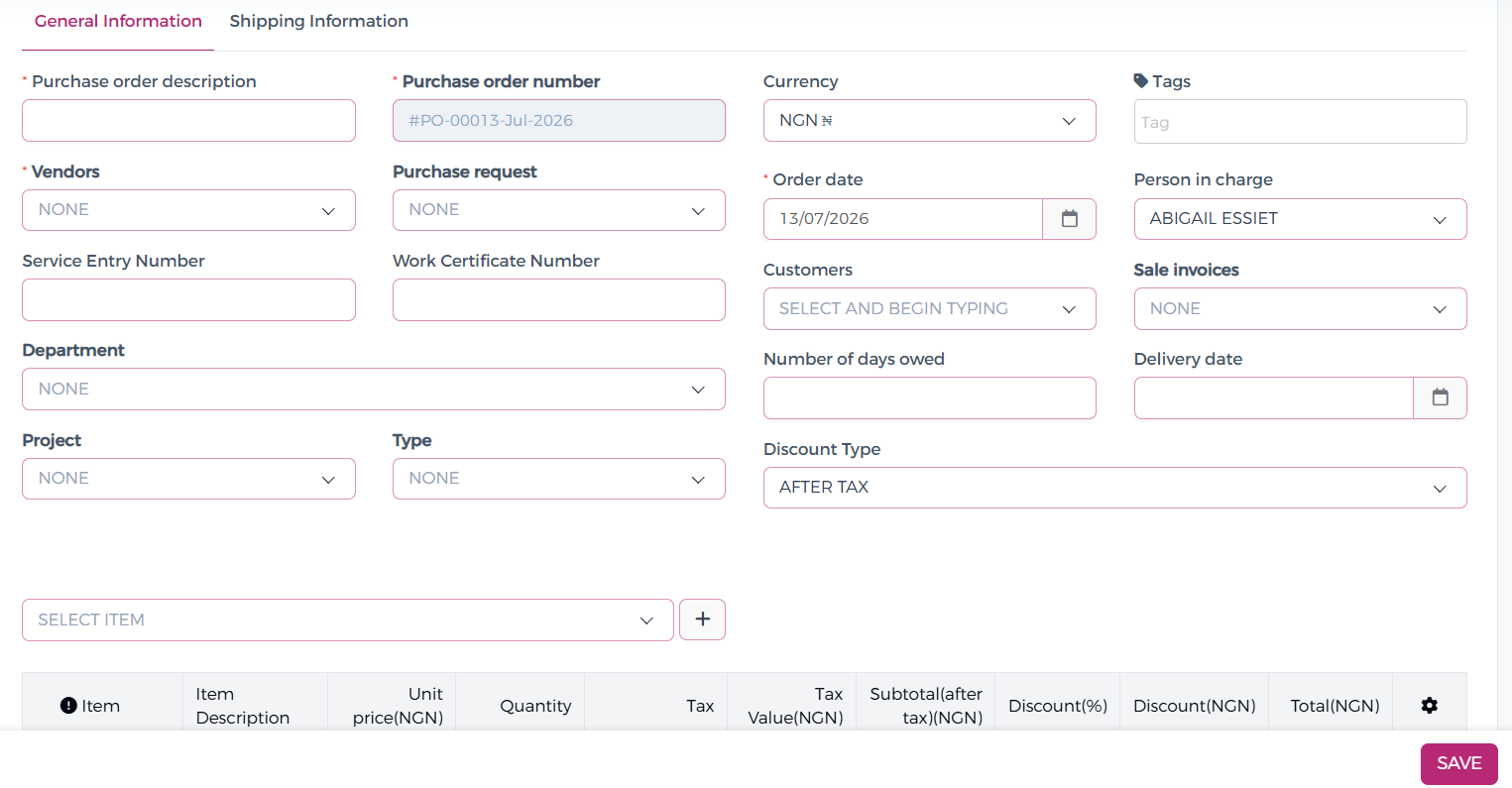
Note: when you click on the purchase three options are seen which includes: purchase request, purchase order and purchase contract.